Key takeaways
- Most slow stores are slowed down by images, apps or plugins, and third-party scripts, not by the platform itself.
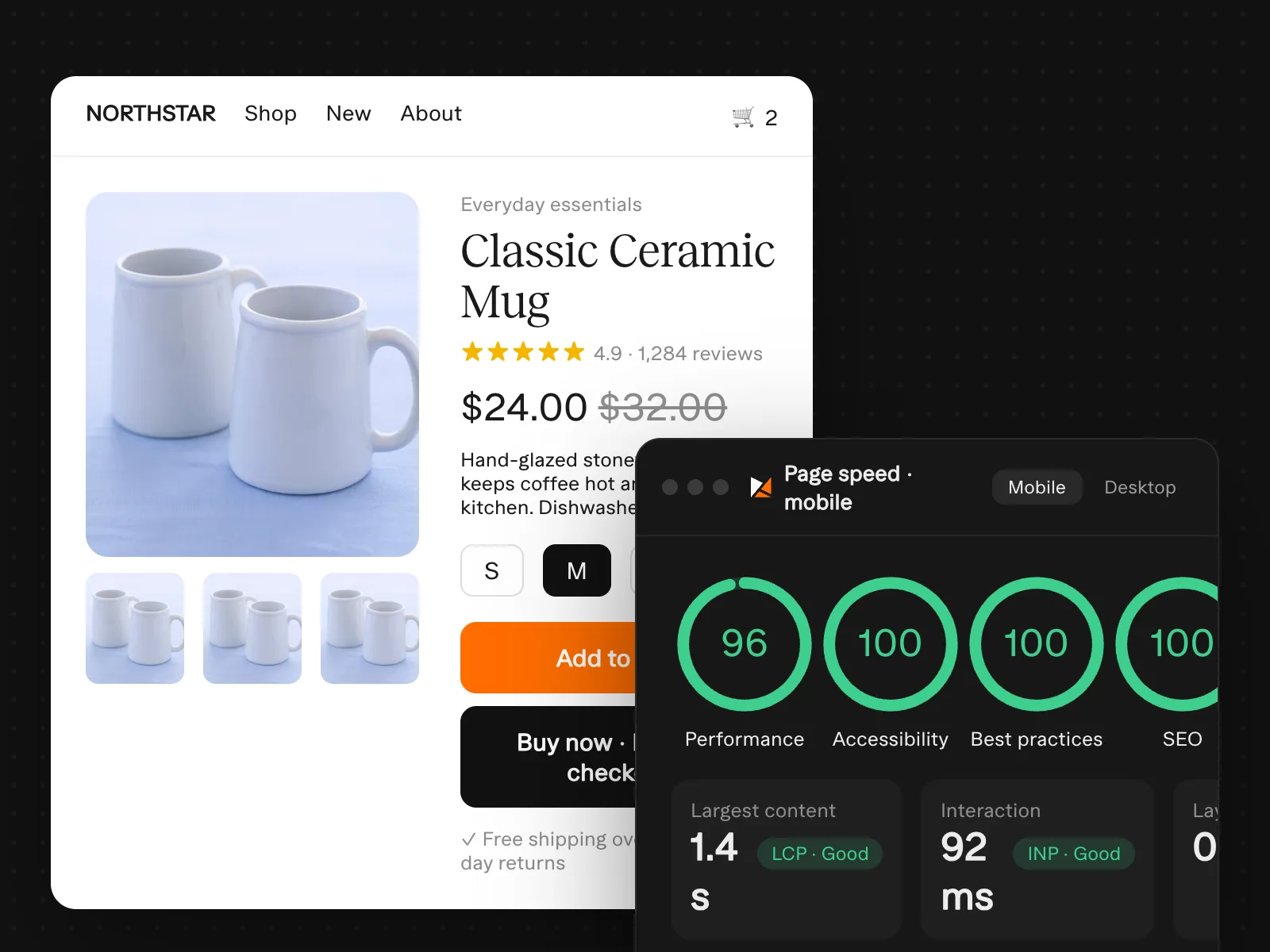
- Measure with real-visitor data (Core Web Vitals), not only lab scores.
- Speed work pays off twice: better conversion rates and better ad performance.
Measure first
Run your home page, a collection page, a product page and the cart through PageSpeed Insights and note the field data for mobile. Those four templates cover most of your traffic, and fixing a template fixes every page that uses it.
The checklist
Images
- Serve modern formats and correctly sized images for each screen.
- Lazy-load images below the fold, but never the main product or hero image.
- Compress product photos before uploading.
Apps & plugins
- List every app or plugin and what it does; remove anything unused or duplicated.
- Check for leftover code from apps that were uninstalled.
- Prefer built-in features over apps where possible.
Scripts & fonts
- Load tracking through one Tag Manager container instead of scattered snippets.
- Limit custom fonts to the weights you actually use.
- Delay non-essential widgets like chat and reviews until after the page is usable.
Hosting (WooCommerce)
WooCommerce speed depends heavily on hosting. Good managed WordPress hosting with server-level caching and a CDN often does more than any optimisation plugin.
After the fixes
Re-test the same four templates, watch Core Web Vitals in Search Console over the following weeks, and compare conversion rate and cost per purchase in your ad accounts before and after.
Frequently asked questions
Do I need a 100 PageSpeed score?
No. Passing Core Web Vitals for real visitors matters far more than a perfect lab score.
Is Shopify faster than WooCommerce?
Shopify is easier to keep fast out of the box; a well-hosted, lean WooCommerce store can be just as fast.
Will a new theme fix everything?
Not on its own. Apps, images and scripts usually follow you to the new theme.